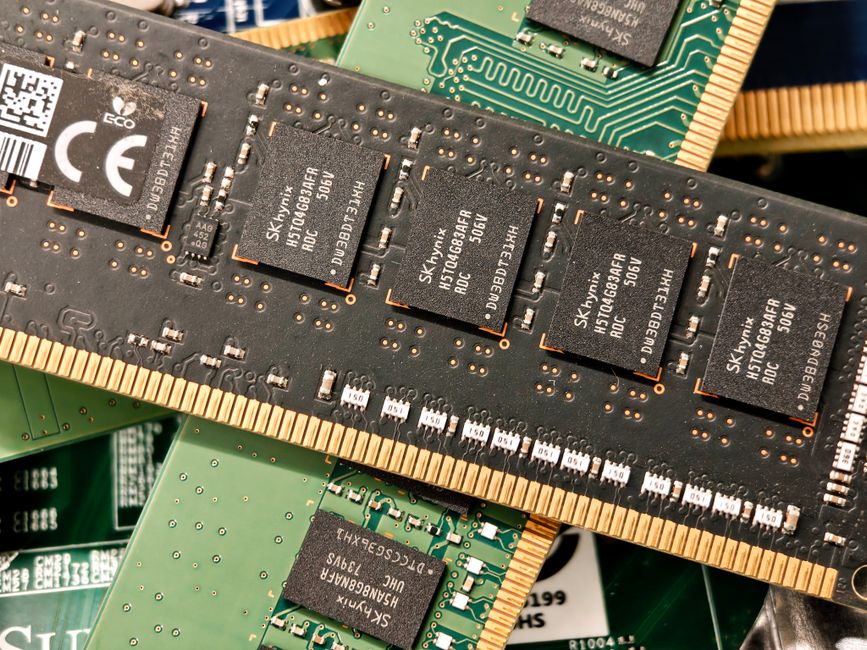
Microsoft has initiated an infrastructure effort to improve Windows 11, focusing on memory efficiency and other core system areas. Pavan Davuluri, Microsoft's head of Windows and Devices, stated that PCs with 8GB of RAM will be a focus for the company moving forward.
The optimization aims to make Windows 11 run faster on systems equipped with 8GB of RAM. Davuluri identified four primary areas for this effort: memory optimization for 8GB and above, onboarding and setup, family controls, and voice interaction. Davuluri stated that these memory optimization improvements are expected to continue through the end of 2026 (claim:12).
We want to reduce Windows’ memory consumption to deliver a fast and responsive experience
— Pavan Davuluri, Microsoft's head of Windows and Devices
The company intends to reduce the amount of memory Windows 11 uses before a user opens any applications (claim:27). Davuluri noted on X that Microsoft has been introducing improvements such as using a more efficient memory allocator to reduce overhead, tuning the WinUI 3 framework so apps use less memory by design, and driving efficiencies across Chromium and WebView2 components.
Addressing memory constraints and market competition
While current Windows 11 hardware requirements specify 4GB of RAM (claim:16), 8GB configurations are available (claim:22) in devices such as Microsoft's Surface Laptop and Dell's XPS 13. Reports indicate that a memory crisis, driven by AI customers consuming a major portion of RAM supply, has led laptop manufacturers to shift back to 8GB RAM configurations. This shift occurs as consumers can only afford 8GB laptops within specific budgets.
A Dell XPS 13 laptop with 8GB of RAM running Windows 11 used 70 percent of memory without any windows or programs open (claim:23). The memory shortage is expected to persist until 2028, potentially making 8GB configurations the standard (claim:28). This follows the launch of the MacBook Neo, an 8GB RAM Mac, as competitors like Dell target the affordable notebook sector.
System usability and user experience
Beyond memory, Microsoft will improve the out-of-box experience, which involves the first setup process including inputting a Microsoft account and choosing backup restoration. The company is also focusing on family controls, intended to provide faster setup and easier access to parental controls, and making voice interaction more natural and fluid across applications.
These developments follow a March commitment to improve Windows speed, stability, and user control. Since that commitment, Microsoft has changed the Windows Insider program, previewed Taskbar and Start menu changes, quieted Windows widgets, and modified File Explorer. The company also promised to scale back Copilot and reduce its prevalence in native apps.
We’re going to take everything we’ve learned since March and keep listening.
— Pavan Davuluri, Microsoft's head of Windows and Devices
Microsoft has not publicly specified Key Performance Indicators for determining the acceptable performance and responsiveness of low-end PCs.
Updates
The Microsoft blog post further detailed that the optimizations include a better Windows Search experience along with increased customization options for the Taskbar and Start menu. Additionally, experts suggest that entry-level PCs could disappear by 2028, while Valve is working on a general release of SteamOS to offer a snappier, less bloated alternative for gamers.
The Microsoft blog post explicitly added that the updates will also feature an improved Windows Search experience alongside more customization options for the Taskbar and Start menu. Additionally, experts suggest that entry-level PCs could disappear by 2028, while SteamOS is actively encouraging gamers to migrate to Valve's leaner operating system.
To reduce high RAM usage, Microsoft is transitioning from web-based React infrastructure to a native Windows User Interface (WinUI) architecture, starting with the Start menu and 'Agenda' view. This move aims to eliminate visual errors like screen tearing and high latency while preventing desktop stuttering through direct compatibility with the system compositor. Additionally, the company plans to support developers with AI-powered transition tools and new data components like DataGrid and Charting, though officials have not yet specified which other Windows 11 components will migrate to the WinUI platform.
Microsoft is replacing its web-based React infrastructure with the native Windows User Interface (WinUI) architecture to reduce high RAM usage, aiming to eliminate latency and visual errors like screen tearing. This transition will first include the Start menu and 'Agenda' view, with the addition of new data components like DataGrid and Charting to support corporate developers. To assist the process, Microsoft will provide AI-powered transition tools, though officials have not yet specified which other Windows 11 components will be migrated.
Microsoft is transitioning from web-based React infrastructure to the native WinUI architecture to reduce RAM usage, eliminate visual errors like screen tearing, and prevent desktop stuttering. This migration will initially include the Start menu and the notification center's 'Agenda' view, with further plans to introduce DataGrid and Charting components for corporate developers. To facilitate this process, Microsoft will offer AI-powered transition tools and has announced it will not use version numbering for the WinUI technology to avoid developer concerns.
To reduce high RAM usage and hardware load, Microsoft is transitioning from web-based React infrastructure to the native WinUI architecture, starting with the Start menu and the notification center's 'Agenda' view. This shift aims to eliminate latency and visual errors like screen tearing while preventing desktop stuttering through direct compatibility with the system compositor. Additionally, the company is adding DataGrid and Charting components to the platform and will provide AI-powered tools to assist developers during this transition.
Microsoft is replacing its web-based React software infrastructure with the native WinUI architecture to reduce high RAM usage and address issues like screen tearing and latency in Windows 11. This transition will initially include the Start menu and the 'Agenda' view in the notification center, with additional data components like DataGrid and Charting being added to support corporate developers. To streamline the migration, the company will provide AI-powered transition tools and has decided not to number future WinUI versions to ease developer concerns.